 North
What's New in SmartScan PDF 1.4
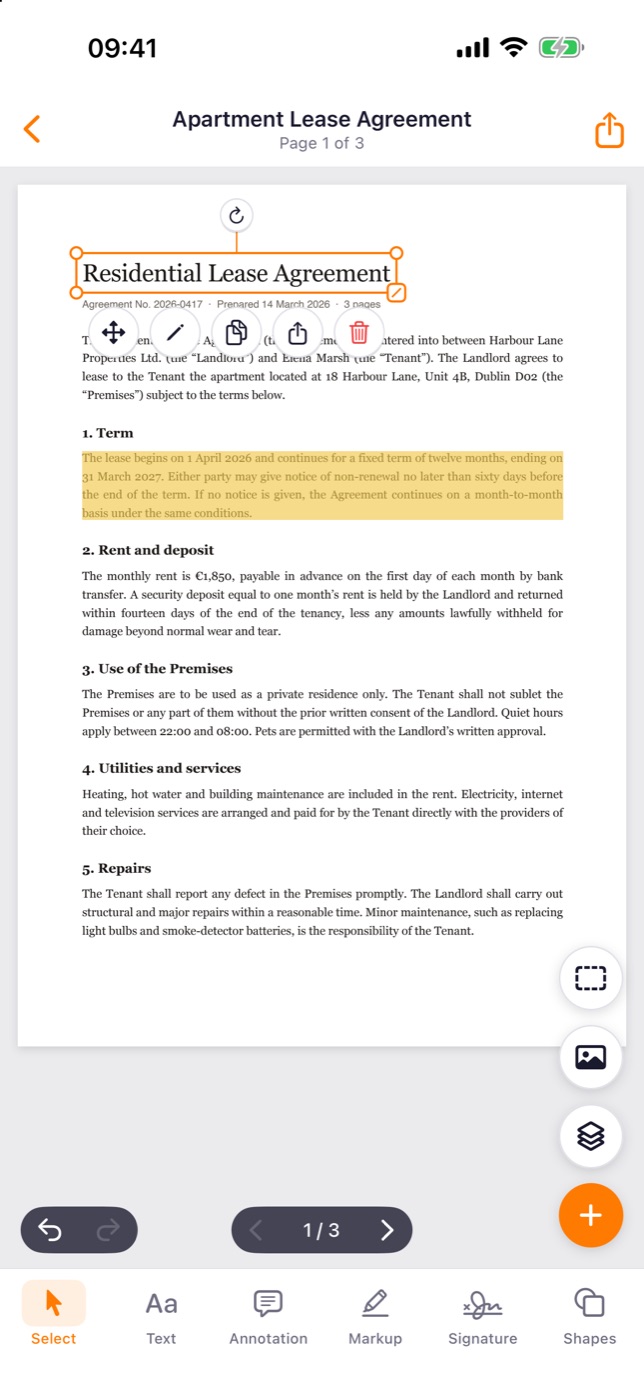
SmartScan PDF 1.4 changes what you get without paying. Export no longer needs Pro and shows no ads. The free plan now has clear numbers: 5 text edits per document, 3 OCR pages a day and one saved signature. SmartScan Pro removes those limits and can now also be bought once instead of by subscription. From 27 November to 4 December 2026 a Pro Week opens every Pro feature to everyone.
Export is open to everyone, with no ads
The share button in the top right corner of the editor, and … → Share in the Library, now open the iOS share sheet straight away. There is no paywall and no advert on the way, and the PDF has no watermark.
Free plan and SmartScan Pro in 1.4
| Feature | Free plan | SmartScan Pro |
|---|---|---|
| Scanning, importing files and photos | No limit | No limit |
| Export and sharing | No limit, no ads | No limit |
| Markup, shapes, annotations | No limit | No limit |
| Text edits (retype a line, add text) | 5 per document | No limit |
| OCR of picture pages | 3 pages a day | No limit |
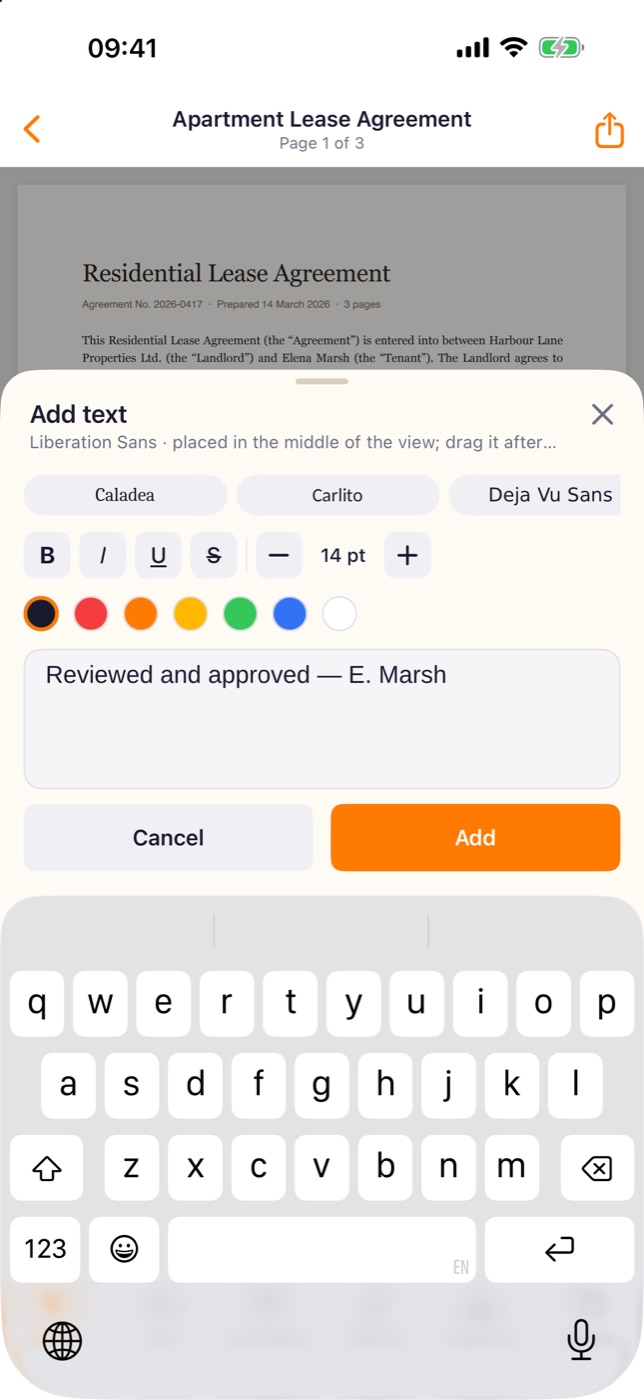
| Saved signatures | 1 | As many as you need |
| Pages from another PDF | Not included | Included |
Placing a freshly drawn signature is not limited on the free plan; the limit applies only to signatures kept for reuse. Camera scans are recognised automatically and do not count towards the daily OCR pages.
What happens at a limit
When a limit is reached, the app explains which one and shows the Pro screen. On that screen you can get Pro or tap UNLOCK ONCE · WATCH AN AD to do this one action after a video. This is the only place where the app shows an advert, and only if you choose it.
Pro as a one-time purchase
Besides the weekly and yearly subscriptions, the Pro screen now has a ONE-TIME option: pay once and keep Pro without renewals. After the purchase, Settings show SmartScan Pro · Lifetime. Restore purchases in Settings brings it back on a new device with the same Apple ID.
Pro Week: 27 November – 4 December 2026
During Pro Week the limits above are switched off for everyone: text edits, OCR, saved signatures and pages from other PDFs work as in Pro. No purchase or code is needed; the dates are counted in UTC.
How to try the new version
- Update SmartScan PDF in the App Store and open it.
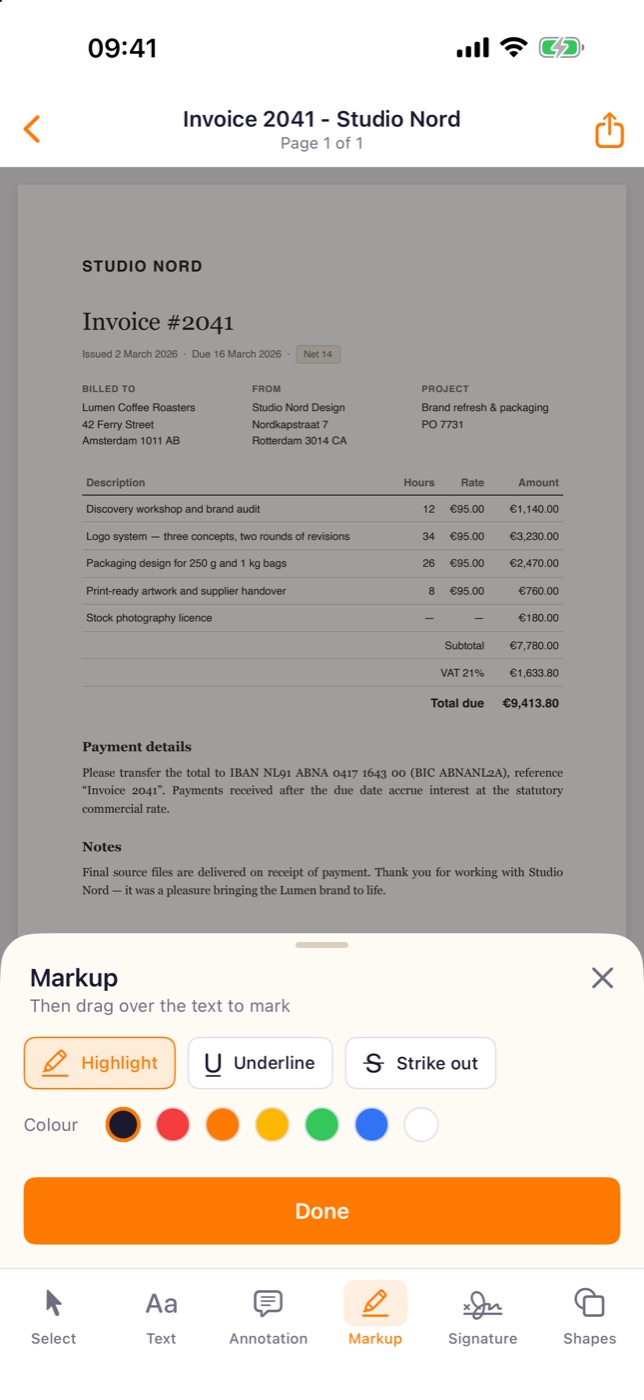
- Open a document from the Library, or tap Scan to add one.
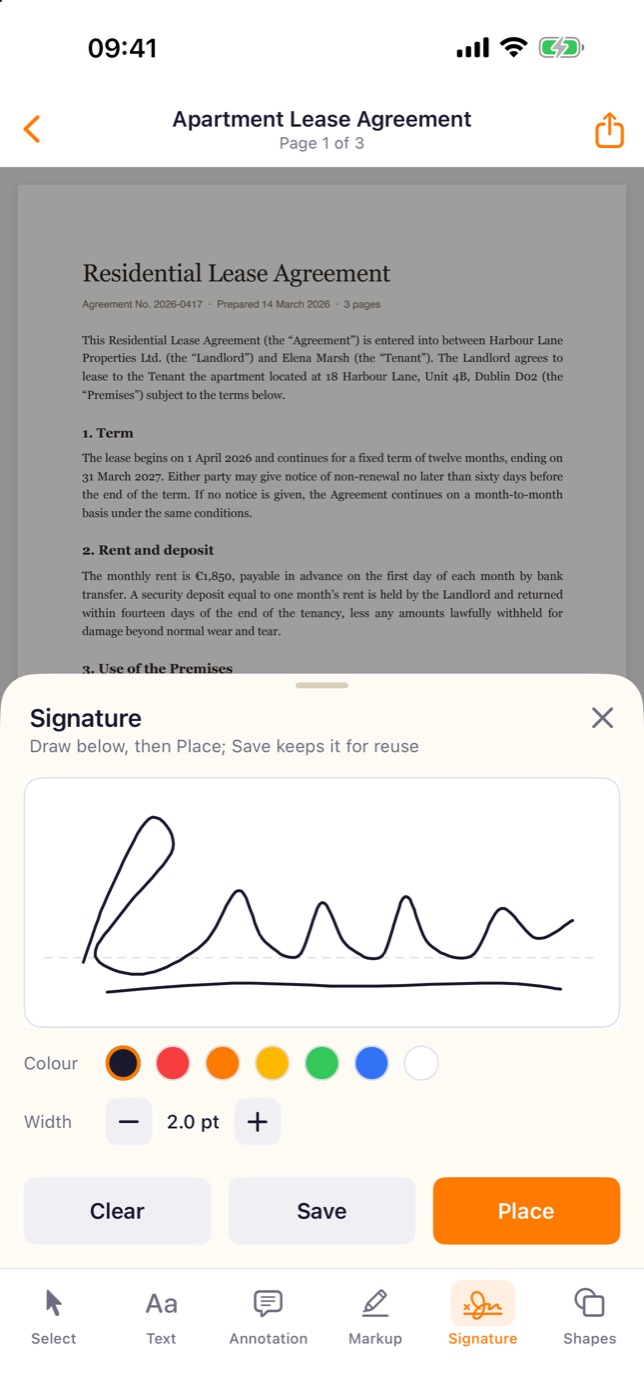
- Tap a line, then the pencil button, retype the line and tap Apply.
- Tap the share button in the top right corner and send the PDF.
Good to know
- The count of text edits is kept per document, so a new document starts with 5 again.
- OCR pages are counted per day, and only when text was found on the page.
- Have a promo code? Open Settings → Redeem a code.
Do I need an account?
No. The app works without an account, and documents stay on the device.
Will my documents survive the update?
Yes. The Library is stored on the device and the update does not touch it.
I already subscribe to Pro. Does anything change?
No. Pro keeps removing all the limits; the one-time purchase is simply another way to get it.
Version 1.4 is the easiest one to start with. Download SmartScan PDF on the App Store.