 North
How to Solve Jigsaw Puzzles Faster: 13 Practical Tips
The fastest way to solve a jigsaw puzzle is to build the border first, sort the remaining pieces by colour and texture, work on one small area at a time and keep the finished picture in front of you. In Amber Puzzle each of these habits has a matching tool: the Edges filter, loose groups on the board, pinch to zoom, the Picture button and Hint.
A routine that works, step by step
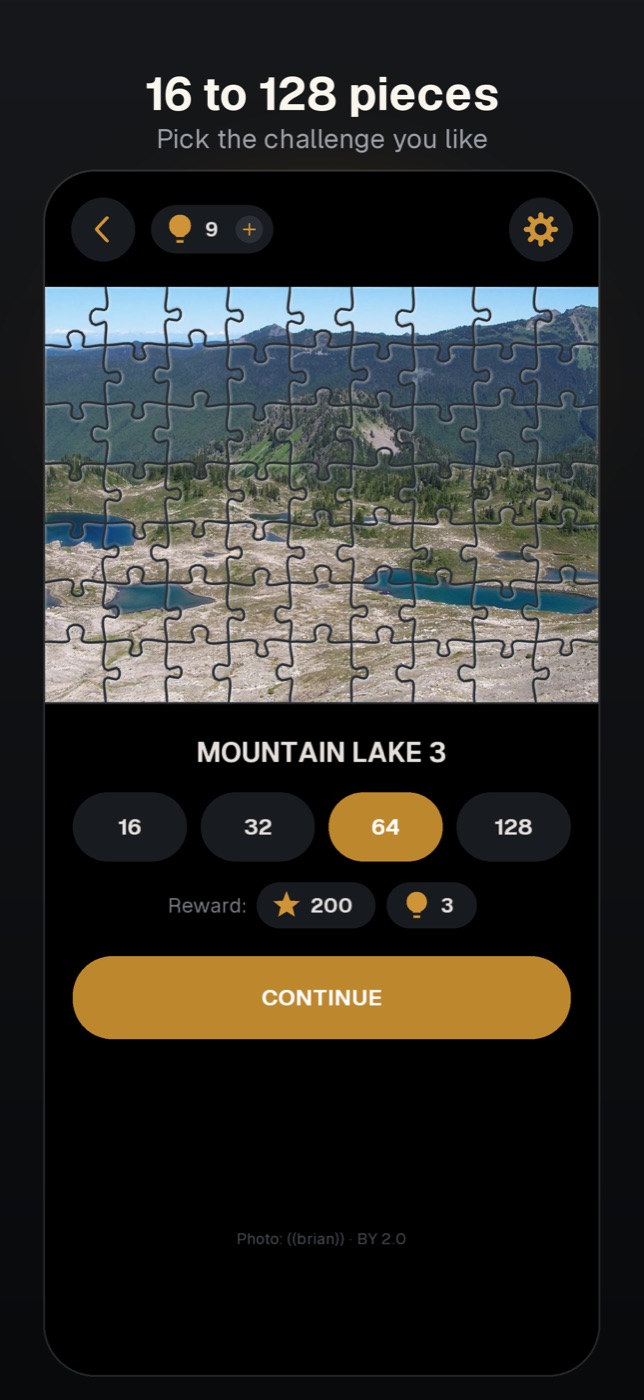
- Pick a size that fits your time. Before the game, tap the 16, 32, 64 or 128 chip. 16 and 32 pieces make a short break, 64 and 128 are for a long, calm session.
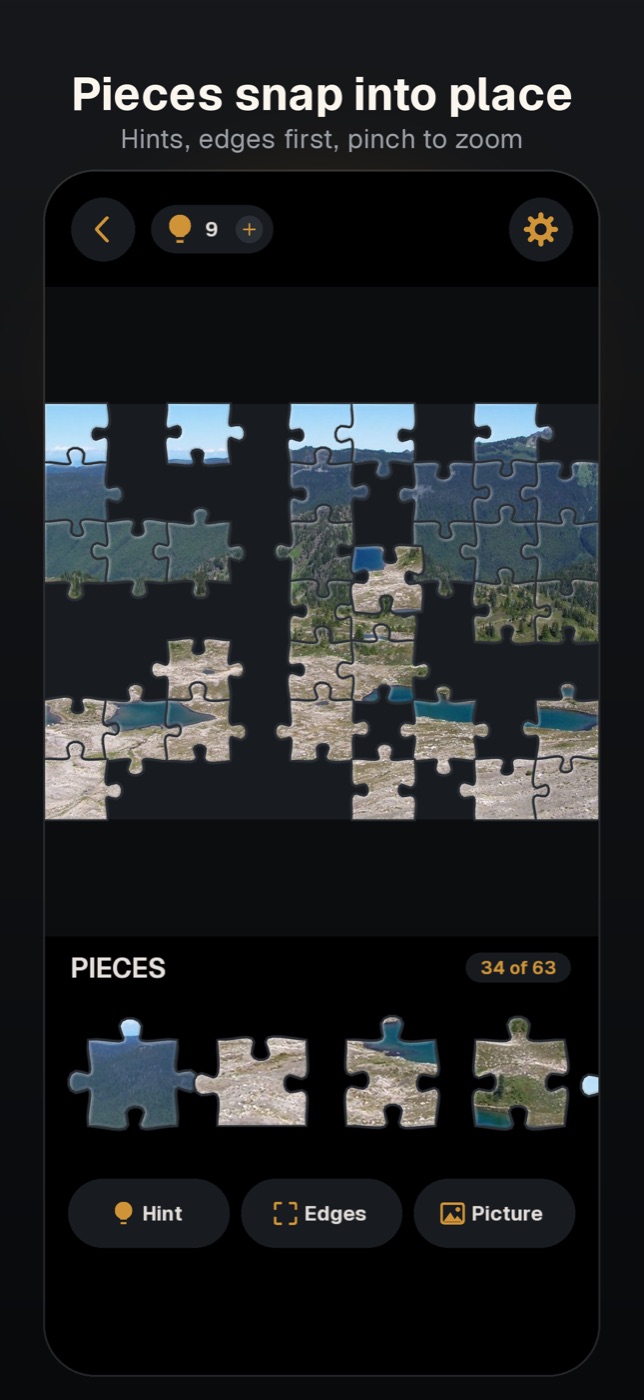
- Study the picture first. Tap Picture under the tray and look at it for ten seconds: where the horizon is, which colours sit in which corner. Tap outside the picture to close it.
- Edges first. Tap Edges: the tray now shows only the border pieces. Place the corners and the frame. The filter switches itself off once no border pieces are left in the tray.
- Grow inwards from what is placed. In this game a border piece locks into its spot at any moment, but a single inner piece locks only when a neighbouring piece is already in place. So the quickest route is to attach pieces to the frame and to finished areas rather than to guess spots in the middle.
- Sort by colour on the board. Drag all the sky pieces, then all the water pieces, up onto a free part of the board. They stay there loose. Drop two matching neighbours next to each other and they join; a joined group can be dragged as one and snaps into the picture whole.
- Zoom in on big puzzles. Pinch with two fingers to enlarge the board and drag the empty area with one finger to move it. Small details are much easier to match this way.
- Use a hint when you are stuck. Hint puts one random piece from the tray into its place and takes one hint from the counter at the top.
More practical tips
- Scroll the whole tray once. Swipe it sideways before you start. The tray order is random in every game, and a quick look tells you which colours dominate.
- Distinct details before plain areas. Faces, lettering, roofs, a bright boat or a horizon line are easy to locate. Leave the even sky, water and grass for the end, when few spots remain.
- Read the shape, not only the colour. In uniform areas look at the tabs and blanks of a piece and compare them with the hole.
- Park a piece where you think it goes. A loose piece left on its correct spot locks by itself as soon as a neighbour next to it is placed.
- Take breaks. Leave the puzzle whenever you like: the board is saved automatically, and the thumbnail shows a Continue badge.
- Bigger puzzles pay more. The reward is 50 stars for 16 pieces, 100 for 32, 200 for 64 and 400 for 128, plus one to four hints. Finishing a 64- or 128-piece puzzle without hints also earns the Sharp Eye achievement.
What is the fastest order to solve a jigsaw puzzle?
Border, then objects with clear outlines and colours, then large plain areas. Grouping pieces by colour before placing them saves the most time on 64 pieces and more.
Does a hint show where a piece goes?
In Amber Puzzle a hint goes further: it places the piece for you. The piece is chosen at random from the tray, so you cannot aim a hint at a particular spot.
How do I get more hints?
Every finished puzzle adds hints, from 1 for 16 pieces to 4 for 128, and DOUBLE on the reward screen doubles them after a rewarded video. If the counter is at zero, tapping Hint offers 20 hints and 5 stars for watching an ad.
Amber Puzzle is a game by NorthAlliance.