 North
How to Play Amber Puzzle: Pictures, Piece Count, Controls
Amber Puzzle is a jigsaw puzzle game built on real photographs. To play, open the categories tab, tap a picture, choose 16, 32, 64 or 128 pieces, press PLAY and drag pieces from the tray at the bottom onto the board until each one snaps into place. An unfinished game is saved automatically when you leave, so you can come back to it later.
Step 1. Choose a picture
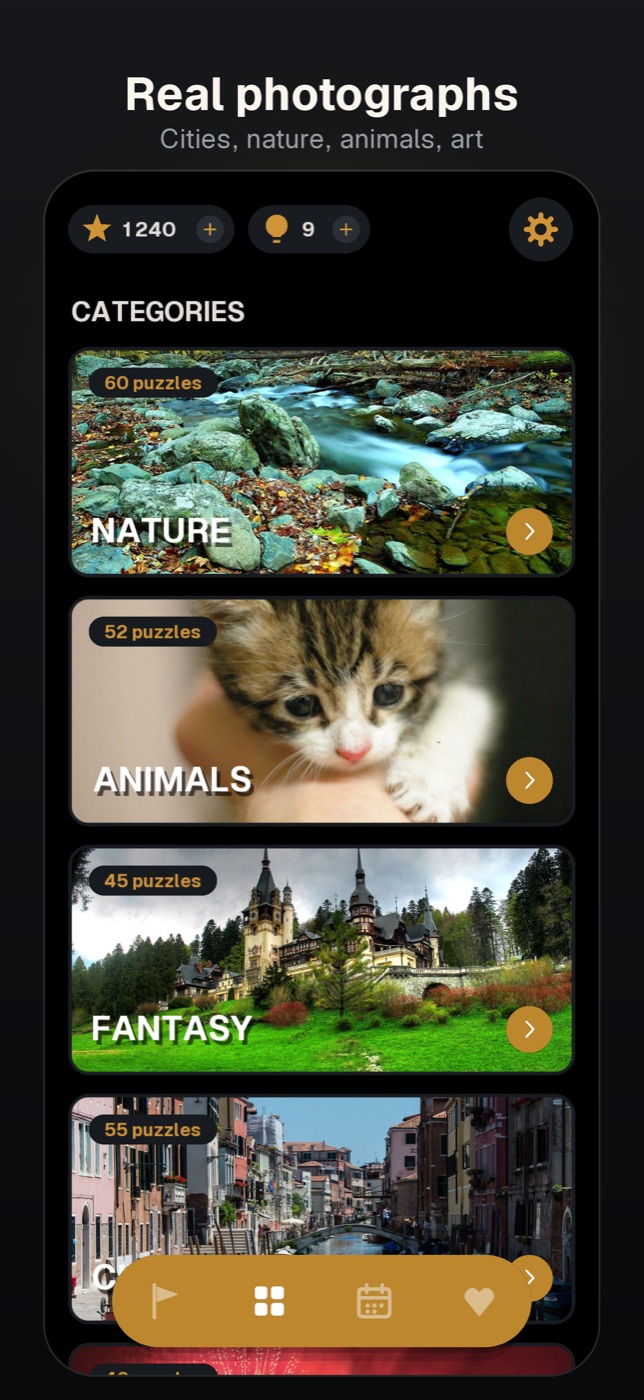
- Look at the bar at the bottom of the home screen. It has four icons: a flag (the campaign), a grid (categories), a calendar (daily puzzles) and a heart (the pictures you have unlocked). Tap the grid icon.
- Under CATEGORIES, tap a theme card. There are twelve themes: Nature, Animals, Fantasy, Cities, Holidays, Food, Flowers, Space, Architecture, Transport, Underwater and Art.
- Tap a thumbnail. A few pictures in every category are free and open at once. The rest carry an Unlock badge: tapping one offers UNLOCK FOR 300 (it spends 300 stars, and a new player starts with exactly 300) or WATCH AD, which opens the picture after a rewarded video.
Step 2. Pick the piece count
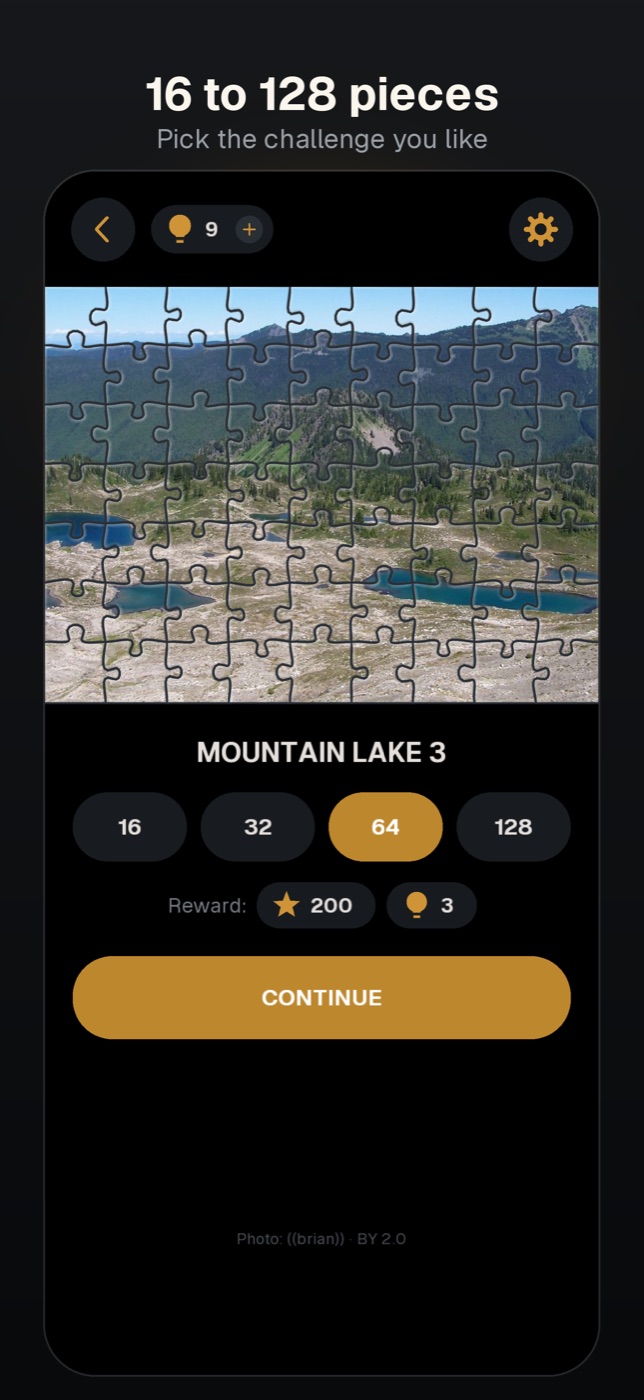
- On the picture's screen, tap one of the four chips: 16, 32, 64 or 128. 32 is selected by default.
- Check the Reward: line. Bigger puzzles pay more: 50 stars and 1 hint for 16 pieces, 100 and 2 for 32, 200 and 3 for 64, 400 and 4 for 128.
- Tap PLAY.
Step 3. Controls on the board
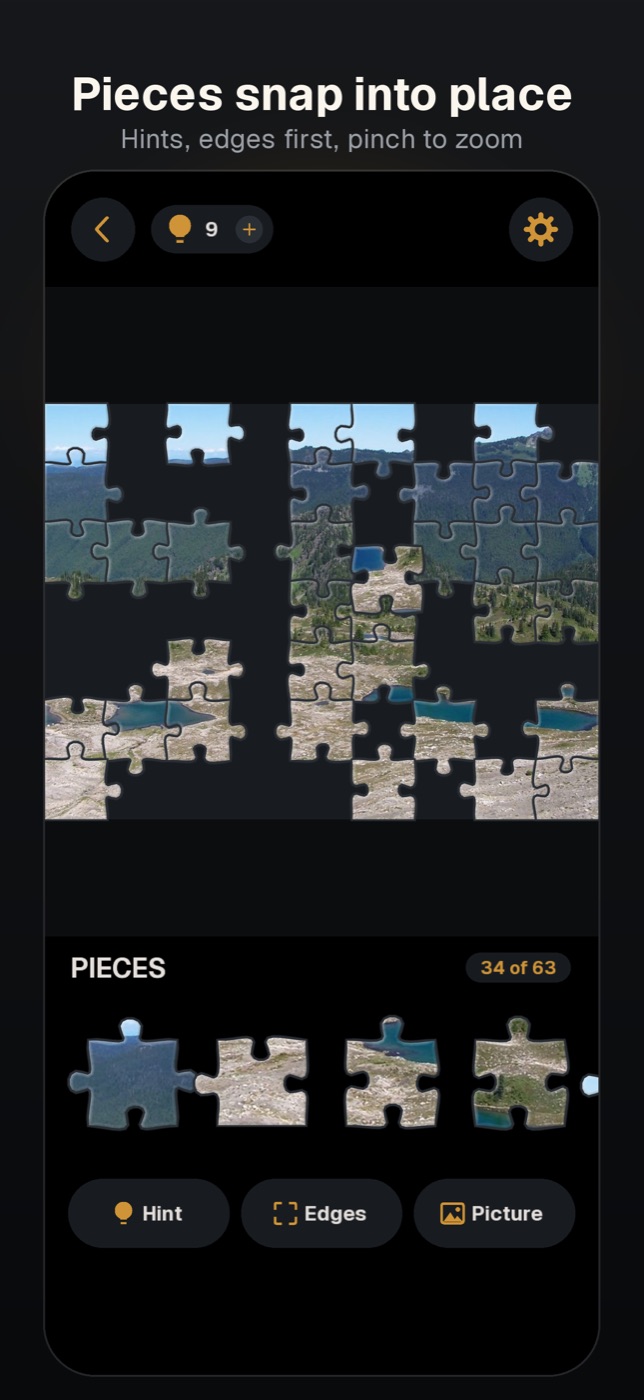
- The pieces wait in the tray labelled PIECES. Swipe the tray sideways to scroll through them.
- Drag a piece upwards out of the tray and drop it near its spot. It snaps in, and the counter (for example, 34 of 63) goes up.
- A piece dropped somewhere else stays loose on the board. Loose pieces that belong together join when you drop one next to the other, and the group then moves as one.
- To put a single piece back, drag it down onto the tray.
- On bigger puzzles, pinch with two fingers to zoom in and drag the empty board with one finger to move around.
- Use the three buttons under the tray: Hint places one random piece for you (it costs one hint, and you start with 10), Edges leaves only border pieces in the tray, Picture shows the finished image.
Step 4. Finish, collect, or stop and continue later
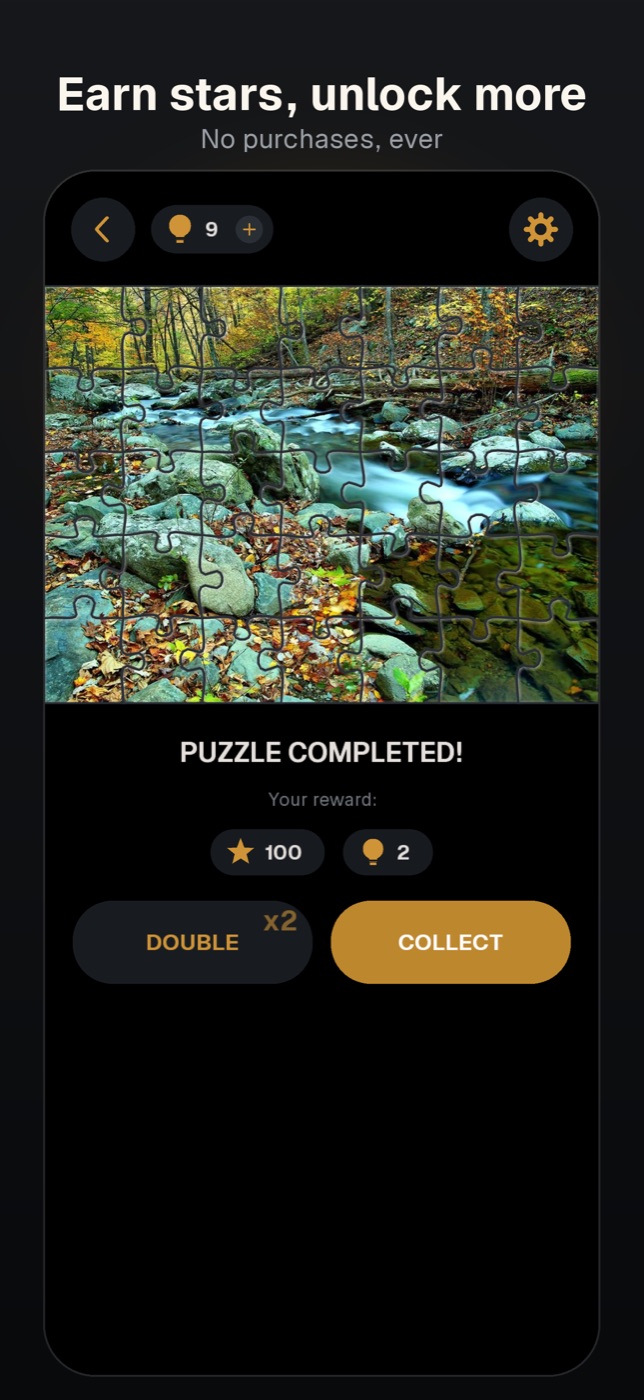
When the last piece is in, the game shows PUZZLE COMPLETED! and your reward. Tap COLLECT to take it, or DOUBLE to watch a rewarded video and get twice as much.
You do not have to finish in one sitting. Leave with the back arrow or simply close the app: the board is saved as it is. The thumbnail gets a Continue badge, and tapping it opens the UNFINISHED PUZZLE dialog with CONTINUE and START OVER.
Tips
- Start with 16 or 32 pieces, then move up.
- Build the border first. A border piece always locks into its place, while an inner piece locks only next to a piece that is already placed.
- Out of hints? Tap the bulb counter at the top, then WATCH: a rewarded video gives 20 hints and 5 stars.
Does Amber Puzzle have in-app purchases?
No. Pictures are unlocked with stars you earn by finishing puzzles or by watching a rewarded video. The game shows a banner on the puzzle screens, and rewarded videos are optional.
Can I play offline?
About a hundred pictures are built into the app and work without a connection. The rest of the catalogue, the daily puzzles and the campaign are loaded from the internet.
Why does the counter show 63 pieces when I picked 64?
The grid is fitted to the shape of the picture so that pieces stay roughly square, which is why the real total can differ from the chip by a few pieces.
Amber Puzzle is a game by NorthAlliance.